
DISCLAIMER: Links included in this description might be affiliate links. As an Amazon Associate, and other affiliate memberships, I may earn from qualifying purchases. If you purchase a product or service with the links that I provide, I may receive a small commission. There is no additional charge to you! Thank you for your support so I can continue creating free content each week!
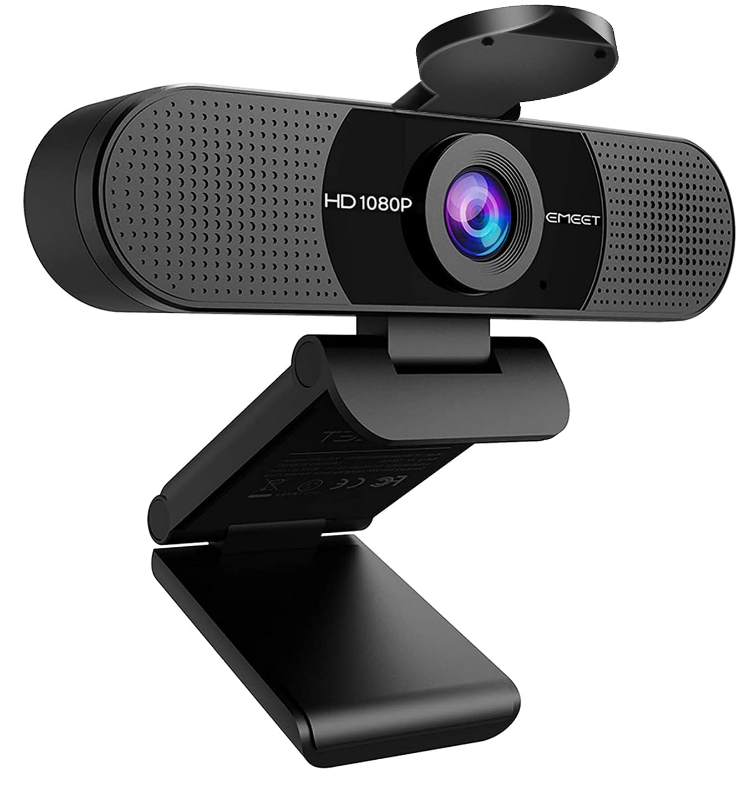
Introduction to the EMEET C960 Webcam
In today’s digital age, the demand for high-quality video communication tools is at an all-time high. Whether working from home, attending virtual meetings, or connecting with friends and family across the globe, a reliable webcam can make a significant difference. Enter the EMEET C960 Webcam—a budget-friendly tool that promises professional-grade video and audio quality without breaking the bank.
The EMEET C960 offers 1080P resolution, dual noise-canceling microphones, and a user-friendly plug-and-play design. Its 90-degree field of view allows you to include everyone in the frame, making it excellent for group calls.
Designed with features that cater to both casual users and professionals, this webcam is ready to enhance your online interactions. Are you ready to elevate your video calling experience? Let’s explore what makes the EMEET C960 a worthy addition to your tech arsenal.
Key Features of the EMEET C960 Webcam
The EMEET C960 stands out due to its impressive features:
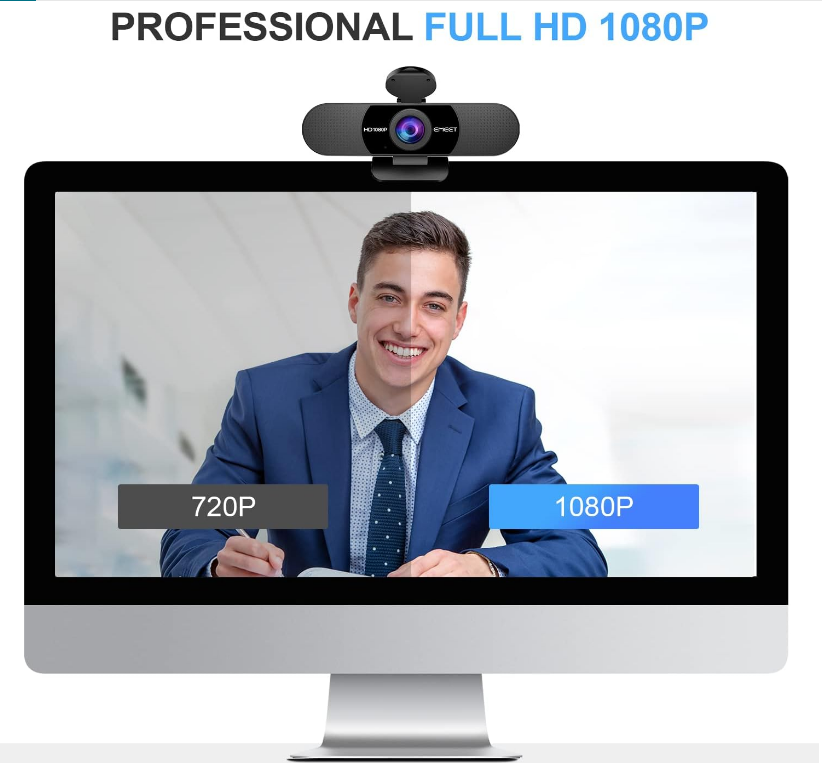
- 1080P Resolution: Ensures sharp and clear video quality.
- 90-Degree Field of View: Effortlessly fits more people into the frame.
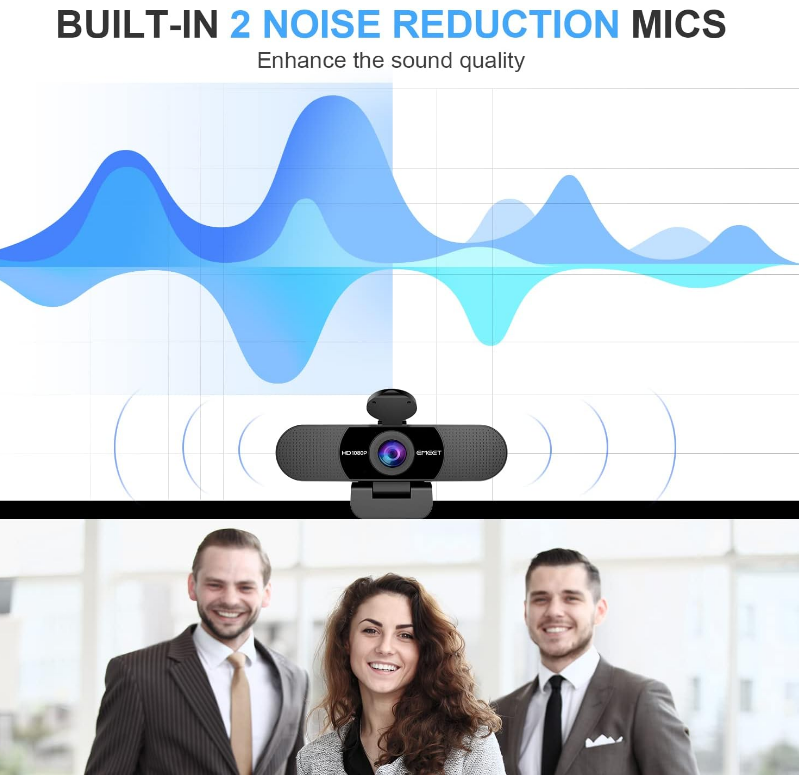
- Dual Noise-Canceling Microphones: Captures your voice clearly by filtering out background noise.
- Plug-and-Play Functionality: Easy setup without needing to install drivers or software.
- Automatic Low-Light Correction: Ensures quality video even in dim environments.
- Privacy Cover: Provides peace of mind when the camera is not in use.
These features combine to offer a webcam that exceeds expectations for both personal and professional use.
How to Set Up Your EMEET C960 Webcam
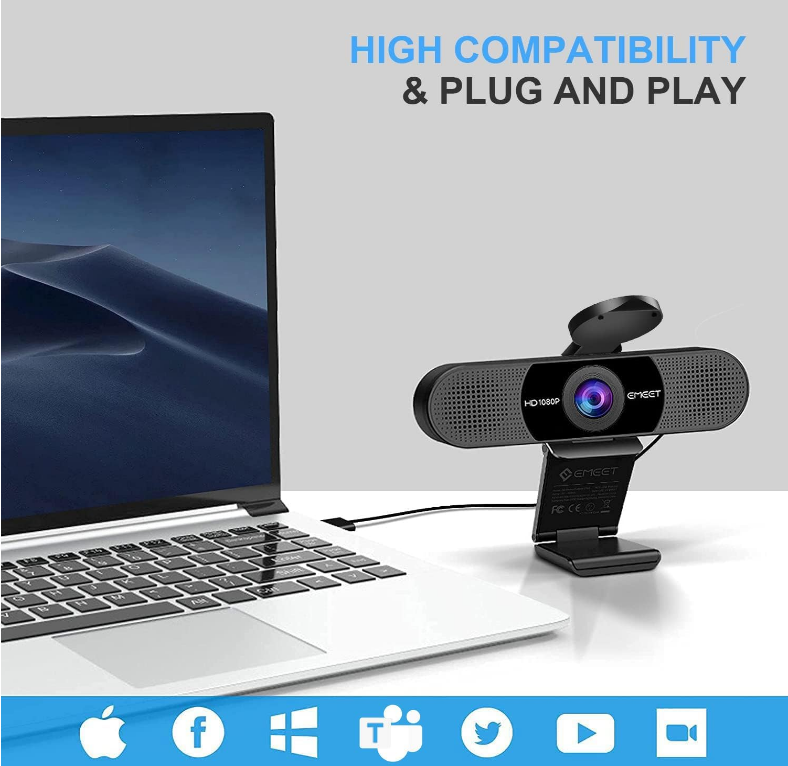
Setting up your EMEET C960 is a breeze with its plug-and-play functionality. Simply connect the webcam to your computer using the USB-A cable, and it will be recognized by your operating system. Adjust the settings on your computer or video call application to select the C960 as your default video device.
Take advantage of the adjustable settings through the EMEET Link app to enhance your video and audio quality. Finally, use the privacy cover to ensure peace of mind when the camera is not in use.
Usability Across Popular Online Platforms
The EMEET C960 Webcam integrates seamlessly with various online platforms, making it versatile for both personal and professional use. Its ease of use benefits users who may not be technically savvy or prefer a simple setup.
Compatible with popular applications like Zoom, Microsoft Teams, and Skype, the C960 ensures reliable video and audio quality for meetings, content creation, and personal communications.
Performance Comparison with Other Webcams
When compared to other webcams, the EMEET C960 offers a solid 1080P resolution and dual noise-canceling microphones. It may not have the 4K capabilities of higher-end models, but it provides excellent performance at a budget-friendly price.
With its user-friendly design and wide field of view, the C960 is a compelling choice for those who value convenience and quality without needing premium features.
Conclusion: Is the EMEET C960 Right for You?
The EMEET C960 Webcam is a reliable option for anyone looking to enhance their online communication. With impressive features like 1080P resolution, dual microphones, and easy plug-and-play functionality, it offers a seamless experience for work, meetings, or video chats.
Whether you’re a casual user or a professional, the EMEET C960 is an excellent choice, providing clear video quality, reliable audio, and user-friendly features. Consider making the switch to the EMEET C960 to elevate your online presence.